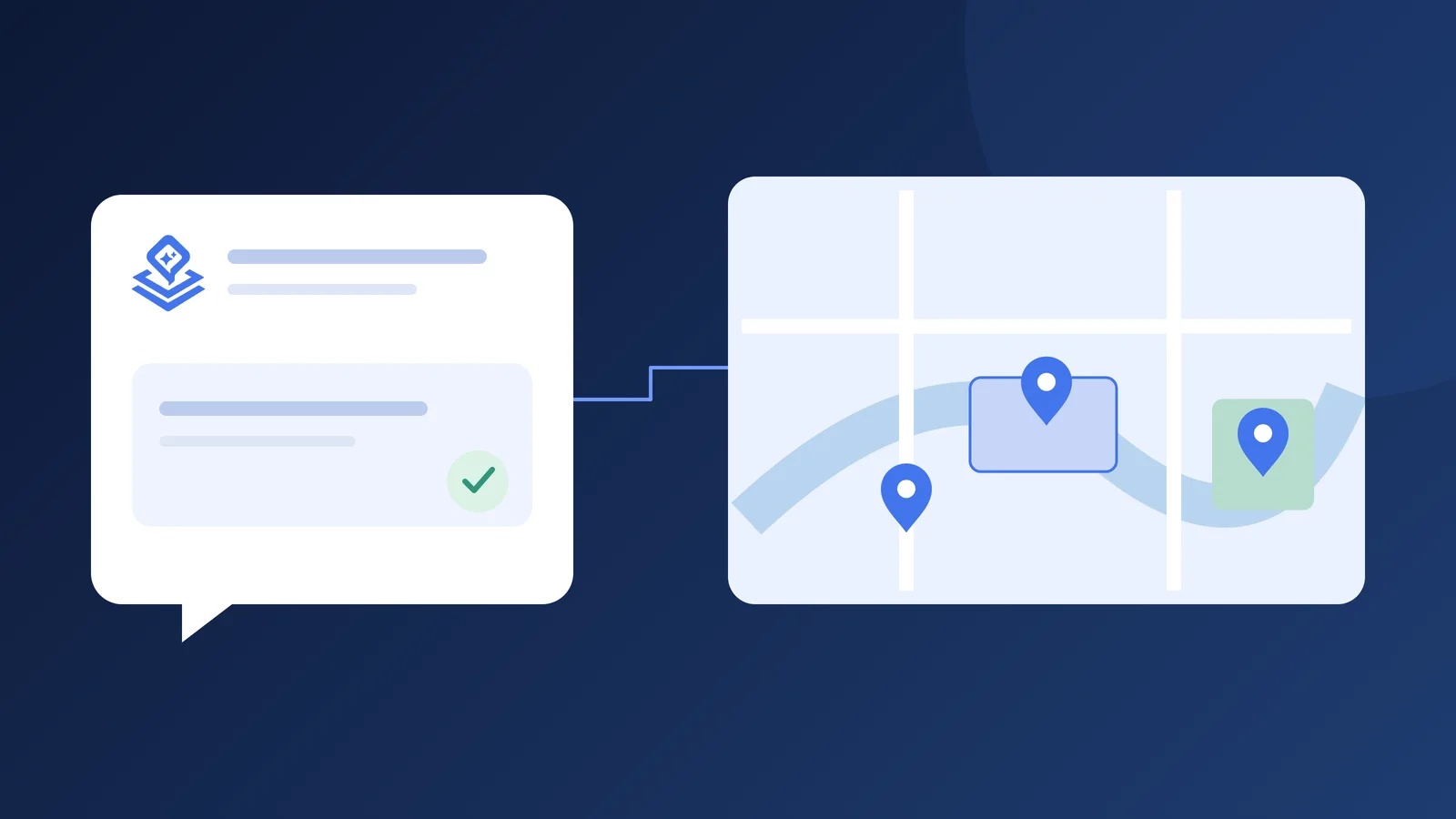
A helping hand for your account and your map
Pinny is Layerpin’s AI assistant for paid accounts. Open it from the dashboard to find maps, summarize a map, or check plan capacity. In the map editor, the conversation focuses on that map. Try: “Show my recently updated maps” or “How much of my plan have I used?”
Turn your ideas and files into a first draft
Describe the markers or shapes you need, or attach a CSV, JSON, Markdown, or text reference file in map chat. Pinny can prepare names, descriptions, tags, fields, and positions for review. Try: “Create markers from this room list, keeping room numbers unchanged.” A model that accepts images can inspect a lightweight map preview to suggest positions for visible rooms or landmarks. Outlines are approximate: always check them against your image.
Organize content and reach more people
Ask Pinny to audit the map, prepare item edits, organize tags and fields, or suggest and merge filters. It checks supported settings, item identities, and plan limits. For translation, enable target map languages first, then ask for complete content: names, descriptions, tags, fields, buttons, filters, and media wording. Try: “Translate the filters and item content into French, keeping addresses unchanged.” Read the map language guide for the visitor experience.
You stay in control of every change
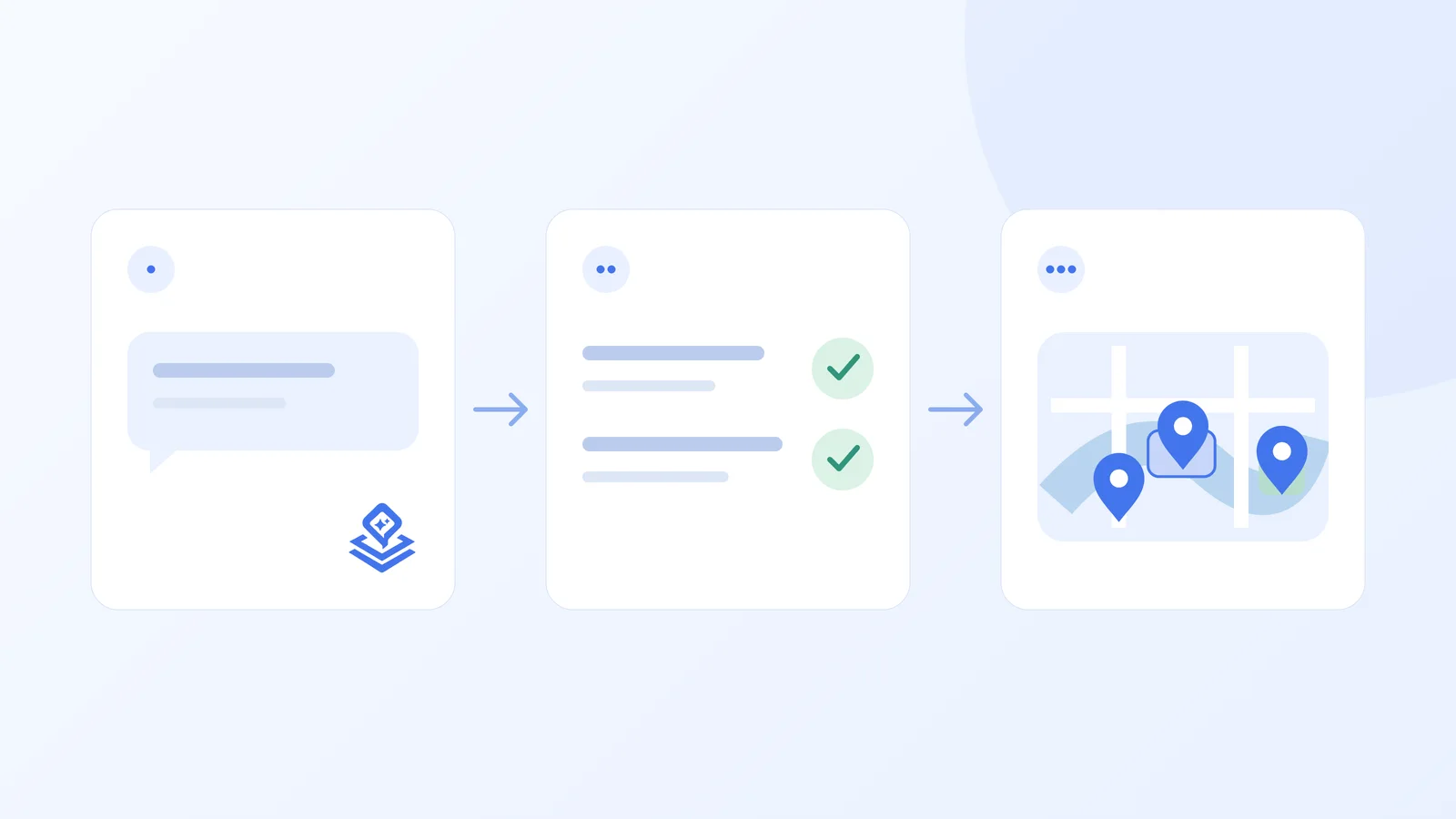
Pinny prepares proposals; it does not silently publish your map. Review the actual records, rather than relying only on the answer. Proposals and conversations are saved, so you can return to them later.
Connect your own provider key using the setup guide. Choose a model and its supported thinking or web search options beside the message input. Your provider charges your API account separately. Open Token usage to review recorded tokens and estimated costs; estimates are not invoices.
- 1Review the proposal and adjust supported values before applying it.
- 2Apply it to your draft and save. Existing validation still checks the changes.
- 3Preview the result, then publish when ready. Public links keep showing the previous published version until you publish again.

Ready to build an interactive map?
Build the map privately, review it in the visitor view, then publish when it is ready to share. No credit card needed.
Start building for free